Why do some clinic check-in kiosks now have cameras pointed at you?
Why do some clinic check-in kiosks now have cameras pointed at you? This analysis explains identity checks, touchless intake, telehealth workflows, and camera-based screening design.
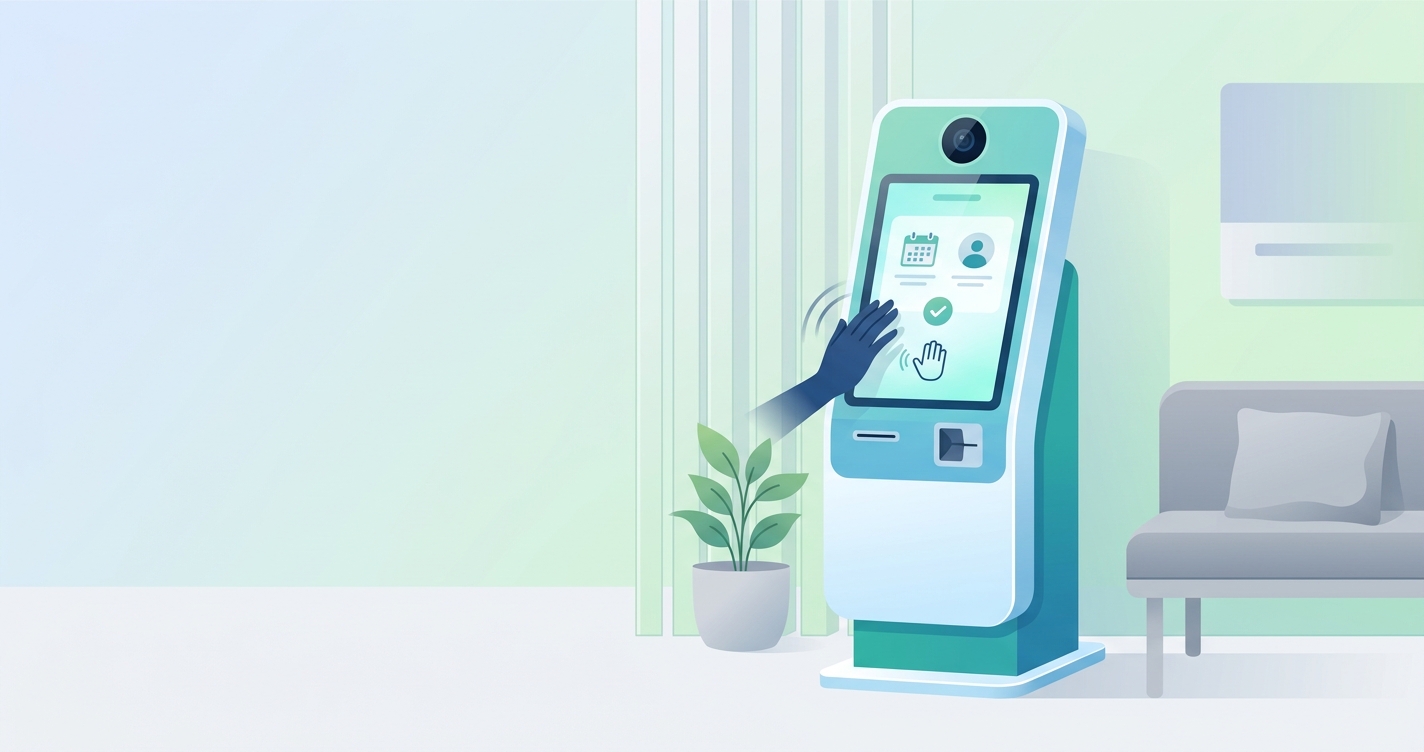
If you have walked into a clinic lately and noticed a camera aimed at the check-in kiosk, you are not imagining a random surveillance upgrade. In most cases, the clinic kiosk camera reason is practical: confirm identity, speed up registration, reduce front-desk bottlenecks, and support touchless or camera-based screening workflows that fit modern intake design. The camera is usually there to make the kiosk do more than print a queue number. It turns the check-in station into a data-capture point.
In their 2024 scoping review of health kiosks, Pinar Avci and colleagues found that clinical measurement was the second most common kiosk role, appearing in 20.9% of studies, while patient registration accounted for 6.0%.
Why clinics put cameras on check-in kiosks
Most patients assume the camera is there for security. Sometimes that is true, but it is only part of the story. In healthcare, kiosk cameras are more often tied to workflow.
A modern check-in station may use the camera for one or more of these jobs:
- Matching a patient to an ID card, insurance card, or registration record
- Capturing a face image for identity verification in higher-trust workflows
- Supporting remote interpreters or telehealth staff during intake
- Enabling touchless interaction when the clinic wants less shared-surface contact
- Guiding the patient into position for camera-based vital-sign capture
That last point matters more than many patients realize. Some kiosks now combine ordinary intake tasks with contactless screening. A camera can help a system decide whether a face is centered, whether the lighting is usable, and whether the patient is close enough for a short physiological measurement window.
Comparison table: the main reasons a clinic kiosk camera might be there
| Camera use case | What the patient sees | What the clinic is trying to solve | Why the camera matters |
|---|---|---|---|
| Identity verification | A prompt to look at the screen or scan ID | Registration errors and duplicate records | Face and document capture can reduce manual review |
| Security monitoring | Visible camera above or near the kiosk | Staff safety and fraud deterrence | The kiosk becomes part of the clinic's monitored intake zone |
| Touchless check-in | On-screen positioning cues | Fewer shared touchpoints and faster throughput | Depth or vision sensors can replace some button-heavy flows |
| Telehealth support | Live video with a remote staff member | Limited onsite staffing | The camera gives remote staff visual context |
| Contactless screening | A request to hold still for a few seconds | Early vital-sign or wellness screening | RGB video can support camera-based signal extraction in a defined capture zone |
The real clinic kiosk camera reason is workflow, not mystery
Once you look past the optics of "a camera pointed at me," the design logic is pretty straightforward. Clinics want intake stations that do several jobs at once.
A 2023 analysis of U.S. emergency departments reported that self-check-in kiosks were associated with 56.8% shorter waits than departments without them. That does not mean a camera alone cuts wait times in half. It does mean clinics have a strong incentive to make the kiosk more capable, because every extra front-desk handoff slows the line.
For kiosk builders and device teams, the camera is a flexible sensor. It can read documents, support video visits, and help automate the moment when a patient transitions from registration into screening. That is especially useful in clinics trying to merge check-in, triage, and basic assessment into one station.
How cameras support contactless health screening
This is where the topic gets more interesting. Some clinic kiosks are now designed to support contactless measurement using remote photoplethysmography, or rPPG. The camera tracks subtle color changes in facial skin that follow blood-volume pulses. From there, software can estimate signals such as heart rate and, in some settings, respiratory-related trends.
The important caveat is that camera-based screening does not work equally well in every environment. In a 2021 telemedicine conditions study, Yuta Natsume and colleagues reported better rPPG measurement quality when front lighting exceeded 500 lux, frame rates were above 30 fps, and body motion was limited. In other words, the kiosk does not just need a camera. It needs a short, controlled capture zone.
That helps explain why clinics place the camera so deliberately. The hardware position, screen angle, and patient prompts are part of the measurement system. A kiosk camera that looks intrusive from the patient side may simply be aligned to produce a cleaner signal and a more repeatable check-in session.
Industry applications in clinic and device deployments
Identity and registration
At the lightest end of the stack, the camera helps clinics confirm that the right patient is checking in. That can be as simple as document capture with visual review, or as advanced as a workflow that compares a live image with an ID or pre-enrolled record.
Video-enabled intake and telehealth
Some ambulatory sites use kiosks to connect patients with remote staff when front-desk coverage is thin. The camera gives the remote registrar, interpreter, or nurse a direct view of the patient and lets the kiosk function like a small telehealth endpoint.
Triage-adjacent screening
This is where embedded health monitoring gets commercial attention. A kiosk can move from registration into a brief screening session without asking the patient to switch devices. The clinic gets a more informative intake flow, while the manufacturer gets a single hardware footprint that handles several stages of the visit.
Current research and evidence
The evidence base says two things at once.
First, health kiosks are no longer a niche curiosity. Avci and colleagues' 2024 scoping review found that kiosks are used for information delivery, measurement, screening, telehealth, and patient registration across hospitals, community settings, primary care, and pharmacies. That matters because it shows clinics are not buying a single-purpose check-in box. They are buying a platform.
Second, camera-based physiological capture depends on conditions. Natsume's 2021 paper did not present rPPG as magic. It showed that lighting, frame rate, and motion control all affect whether the signal is useful. That is why a clinic kiosk camera is often paired with positioning prompts, fixed lighting, and a request to remain still.
A broader review literature says much the same thing. Reviews of rPPG research have consistently found that controlled indoor settings produce better results than unconstrained public environments. For a clinic, that is good news. The check-in zone is one of the few public-facing spaces that can still be designed as a repeatable capture environment.
Here are the practical takeaways:
- A camera on a clinic kiosk usually has an operational purpose, not just a surveillance one
- Registration, identity checks, and telehealth support are already common reasons for camera placement
- Contactless screening adds another reason, but it only works well when the kiosk controls distance, lighting, and motion
- The more the clinic wants one station to handle intake and screening, the more valuable the camera becomes
The future of clinic kiosk cameras
The near future probably looks less dramatic than people expect. Most clinics are not trying to turn every waiting room camera into an invisible diagnostic device. They are trying to make intake faster and more informative.
That means we will likely see more kiosks that blend three layers into one:
- Administrative intake
- Video or identity verification
- Short contactless screening sessions
For OEMs, kiosk manufacturers, and IoT platform teams, that shift changes the product brief. The question is no longer whether a kiosk has a camera. The question is what software stack runs on top of it, how well it handles guided capture, and whether the hardware can support a reliable embedded screening workflow.
That is the gap Circadify is working on for device builders who want to add camera-based vital-sign capabilities into clinical kiosks and related hardware. More detail is available in Circadify's hardware integration guide.
Frequently asked questions
Are clinic kiosk cameras mostly for security?
Sometimes, but not usually only for security. Many clinics use cameras to support check-in workflows such as identity review, document capture, telehealth connection, or guided screening.
Can a clinic kiosk camera measure vital signs?
Some can support contactless screening, especially when the patient stands in a defined capture zone with stable lighting and limited motion. The camera position is part of that setup.
Why is the camera aimed directly at my face?
Because most kiosk workflows need a front-facing view. Identity checks, telehealth calls, and camera-based screening all work better when the patient is centered and well lit.
Does a camera mean the clinic is recording everything?
Not necessarily. Some systems process images for a specific task, such as document capture or screening, without using the kiosk as a general recording device. The clinic's privacy notice should explain the exact policy.
If you are evaluating kiosk design choices rather than using one as a patient, two related posts on this site add useful context: Can a hospital kiosk really read my vital signs from across the room? and What Is a Self-Service Health Screening Kiosk? How to Build One.