
Making Health Kiosks Usable for Seniors: 5 Design Tips
Actionable UX tips for creating health kiosks that are easy for seniors to use. Learn how contactless monitoring eliminates physical barriers and improves access.
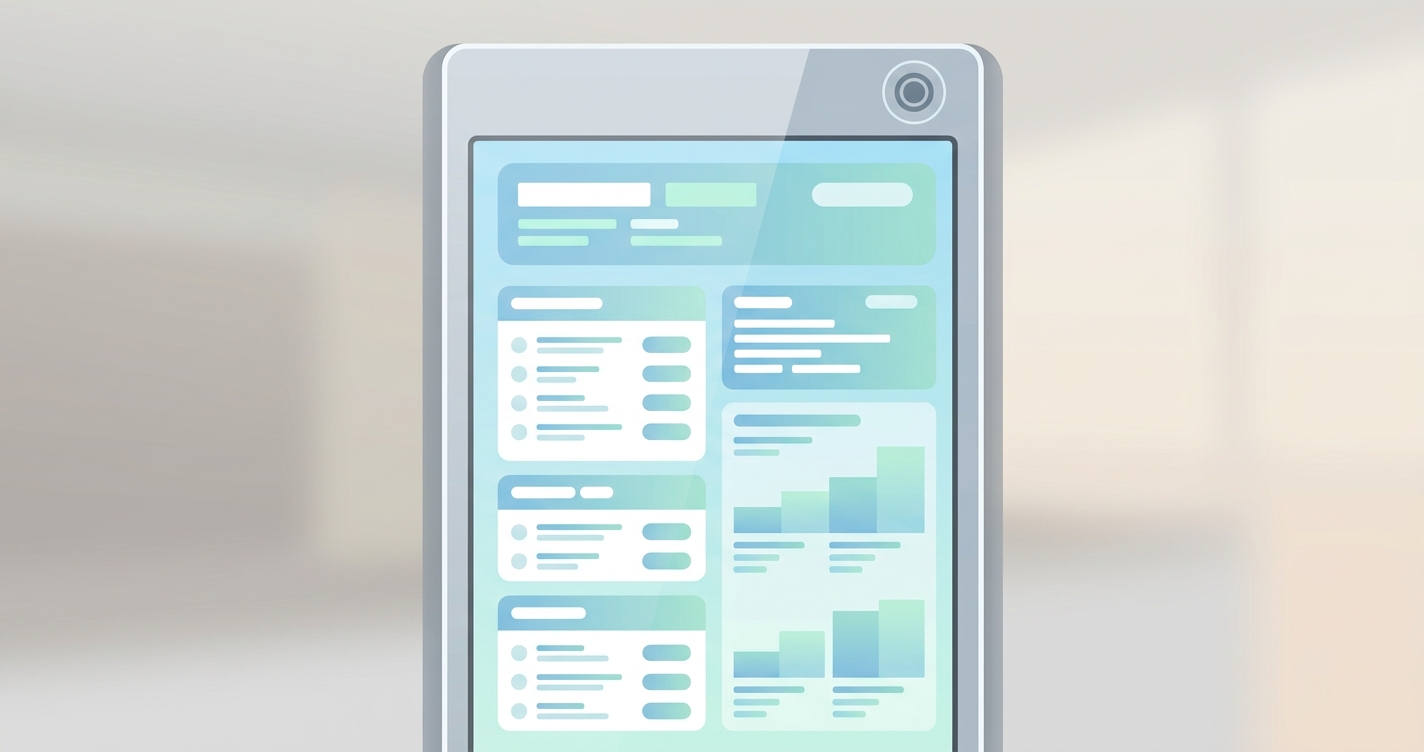
The self-service healthcare hardware market is expanding rapidly, with global deployments projected to surpass $3.9 billion by 2031. However, hardware engineering teams frequently optimize devices for a general demographic while neglecting their most frequent end-users: older adults. Effective health kiosk user experience design requires more than scaling up a tablet interface and bolting a physical sensor to a stand. When clinical stations rely on complex touch sequences, physical sensor attachments, and dense text, adherence rates among seniors drop significantly. For device manufacturers, prioritizing senior-friendly usability is no longer an edge-case accessibility requirement; it is the fundamental baseline for a successful product rollout.
"In usability testing among older veteran patients, video-based remote photoplethysmography (rPPG) for vital sign collection achieved high usability ratings, with users scoring the contactless system 86 out of 100 points for ease of use compared to traditional remote measurement methods."
- Garvin, Richardson, Heyworth, and McInnes, Journal of Medical Internet Research Formative Research, 2024.
Core strategies for health kiosk user experience design
Optimizing health kiosk user experience design for senior citizens requires addressing both the software interface and the physical hardware interaction. Engineering teams must evaluate every touchpoint to remove friction.
Eliminate physical sensor friction
Traditional clinical stations rely heavily on analog measurement mechanisms. A standard kiosk might require a user to correctly position their arm inside a mechanical cuff, manually squeeze open a spring-loaded pulse oximeter clip to attach to their index finger, or firmly grip a set of conductive metal handles to register a heart rate. For younger populations, these tasks are trivial. For a senior citizen dealing with osteoarthritis, neuropathy, or generalized muscle weakness, these mechanical requirements create immediate friction.
Implementing contactless vitals monitoring through remote photoplethysmography (rPPG) fundamentally alters this interaction. By utilizing the machine's existing camera module to measure physiological data by analyzing micro-vascular changes in facial skin color, the system removes the need for physical manipulation entirely. The user simply looks at the screen. This shifts the burden of data collection from the patient's physical capability to the hardware's processing capability. Furthermore, many elderly patients experience general medical anxiety when confronted with complex, clinical-looking machinery. A kiosk covered in wires, cuffs, and mechanical parts inherently looks intimidating. Contactless technology disguises the clinical nature of the assessment. To the user, it simply looks like a digital mirror or a standard smart display.
Prioritize high-contrast typography
Visual acuity predictably declines with age. Presbyopia, cataracts, and macular degeneration reduce a user's ability to distinguish small text, low-contrast gradients, and subtle user interface animations. In modern application development, software teams often default to minimalist aesthetics featuring gray text on white backgrounds. In a clinical kiosk environment, this design choice causes severe user drop-off.
Effective software engineering for older demographics requires strict adherence to accessibility standards. Minimum font sizes should be locked at 16pt for secondary text and significantly larger for primary calls to action. High contrast ratios, ideally exceeding the Web Content Accessibility Guidelines AAA standard of 7:1, are necessary to ensure readability under the harsh fluorescent lighting typical of retail pharmacies and medical waiting rooms.
Reduce cognitive load through linear workflows
Dashboard interfaces that present multiple options simultaneously overwhelm users who are unfamiliar with touchscreen paradigms. When a single screen displays vital sign readouts, a menu bar, a help button, and a demographic questionnaire all at once, older adults frequently experience cognitive overload. This leads to input errors or complete task abandonment.
To improve throughput and user confidence, kiosk engineers should enforce strictly linear workflows. Each screen should present one distinct question or task, accompanied by a single, highly visible progression button. If the machine is capturing a contactless optical measurement, the interface should pause the questionnaire, clearly inform the user that a scan is occurring, and provide a simple countdown timer. Isolating tasks reduces the mental bandwidth required to operate the machine.
Accommodate ergonomic and mobility constraints
A kiosk is only usable if the patient can physically interact with it. Older adults frequently rely on mobility aids, including canes, walkers, and wheelchairs. A rigid kiosk chassis built for an average height standing adult excludes a significant portion of the senior population. If a patient in a wheelchair cannot reach the touch display or position their arm in the integrated cuff, the hardware fails its primary objective.
Mechanical design must prioritize ADA compliance and ergonomic flexibility. Touchscreens should be mounted at accessible heights and angled appropriately. For camera-based screening systems, the optical sensor needs a wide enough field of view, or a mechanical tilt function, to properly frame the face of a user whether they are standing tall or seated in a wheelchair. Ensuring ergonomic accessibility guarantees that the health station serves the entire patient panel.
Integrate clear audio and visual cues
Seniors often lack the intuitive understanding of digital interaction cues that younger users take for granted. A subtle loading spinner or a small green checkmark in the corner of the screen might go entirely unnoticed by an elderly patient.
Multisensory feedback is critical. When a user presses a button, the kiosk should provide immediate, pronounced visual confirmation, such as the button changing color dramatically. Additionally, integrating clear, localized audio cues or voice prompts can guide the user through the process. A calm, automated voice instructing the patient to look directly at the screen while the camera captures their metrics bridges the gap between unfamiliar technology and traditional nursing instructions.
| Design Element | Traditional Clinical Kiosk | Contactless rPPG Kiosk | Impact on Senior Usability |
|---|---|---|---|
| Sensor Interaction | Physical cuffs, finger clips, metal handles | Zero physical contact required | Eliminates motor-skill and arthritis barriers |
| Vital Sign Capture | Sequential mechanical measurements | Concurrent measurements via camera | Reduces standing time and physical fatigue |
| Infection Control | Requires manual sanitation between users | No shared physical sensor surfaces | Lowers anxiety regarding transmissible diseases |
| Ergonomics | Fixed cuff heights limit wheelchair access | Camera field of view accommodates seated users | ADA compliance becomes structurally simpler |
Industry Applications
Pharmacy and over-the-counter decision support
Pharmacies are increasingly deploying self-service stations to help patients navigate complex medical choices. In these environments, hardware must function flawlessly without relying on staff intervention. Key operational benefits include:
- Allowing seniors to manage high-risk medications without requiring a pharmacist's direct supervision.
- Providing private, accessible readouts of basic physiological parameters before purchasing supplements.
- Creating a frictionless touchpoint that encourages repeat usage among older demographics managing chronic conditions.
Outpatient clinic check-in
Waiting rooms in high-volume clinics rely on kiosks to handle intake routing and baseline physiological screening. When these stations demand fine motor skills to attach a pulse oximeter, the resulting bottleneck defeats the purpose of self-service. Integrating camera-based screening allows the clinic to passively acquire data while the patient taps through simple demographic questions.
Assisted living and residential care facilities
Deploying kiosks in residential care facilities introduces unique design constraints. In these environments, the primary goal is longitudinal tracking rather than one-off diagnostics. When seniors interact with a self-service station daily, any friction in the user experience compounds. Traditional machines requiring consumable components, such as disposable sensor strips, create maintenance hurdles for the facility staff and usability headaches for the residents. Transitioning to software-defined health kiosks allows residents to check their metrics autonomously, preserving their independence while ensuring administrators receive continuous data streams without managing physical hardware components.
Current research and evidence
Historically, the development of clinical self-service endpoints focused purely on accuracy, with very little literature dedicated to user interaction. A systematic review of vital signs-based healthcare kiosks from 2013 to 2023 highlighted a glaring research gap regarding user experience evaluation. Hardware vendors spent millions optimizing the internal mechanics of their devices but failed to study how patients physically engaged with them.
However, recent studies confirm that older adults are highly willing to adopt advanced clinical hardware when the usability barriers are removed. In 2024, researchers Garvin, Richardson, Heyworth, and McInnes conducted a pilot usability study at the VA Boston Healthcare System and the VA San Diego Healthcare System. They evaluated the acceptance of contactless vital signs collection among veteran patients, a demographic that heavily overlaps with the senior population.
Testing a video-based remote photoplethysmography (rPPG) software feature, the research team sought to determine if older adults would trust and successfully operate camera-based health assessments. The results validated the transition toward zero-contact hardware. Both healthcare providers and patients rated the software highly, with users awarding the contactless system 86 out of 100 points on a standardized ease of use scale. The veteran patients explicitly noted that the camera-based approach was easier and more convenient than manipulating traditional remote measurement peripherals.
Similarly, a 2023 study conducted by researchers at the University of Florida demonstrated that when digital health hardware is specifically engineered for older adults, it yields measurable clinical benefits. The researchers evaluated a digital health kiosk designed to help seniors make safer decisions regarding high-risk over-the-counter medications. They found that a tailored interface, which accounted for age-related cognitive and physical barriers, resulted in a highly acceptable and usable system. This confirms that seniors do not reject technology entirely; they simply reject poorly designed technology.
The future of health kiosk user experience design
The trajectory of clinical hardware is moving away from mechanical complexity and toward ambient intelligence. The next generation of self-service stations will not resemble the bulky, peripheral-heavy machines of the past decade. Instead, they will be defined entirely by their software and processing capabilities.
By embedding advanced processing engines directly into edge devices, manufacturers can capture physiological data invisibly. Future deployments will feature ambient data collection, where the machine assesses the patient simply by observing them. This frictionless environment will remove the technical anxiety that currently prevents widespread self-service adoption among older populations, allowing clinical teams to scale their monitoring capabilities without compromising the patient experience.
Frequently asked questions
What is the most common usability barrier for seniors using clinical hardware?
The requirement to attach physical sensors, such as blood pressure cuffs or pulse oximetry clips, is a significant barrier. Users with reduced motor skills, arthritis, or hand tremors often struggle with these precise mechanical interactions.
How does contactless monitoring improve kiosk design?
By utilizing a standard camera and remote photoplethysmography (rPPG) to measure vital signs, device manufacturers can eliminate physical peripheral interactions. This simplifies the user workflow, removes the need for manual dexterity, and easily accommodates wheelchair users.
What interface adjustments are necessary for older adults?
Effective interface design for seniors should include minimum font sizes of 16pt, high-contrast color schemes, linear step-by-step navigation, and the complete avoidance of dense, technical text blocks.
Circadify is addressing these hardware challenges by providing an embedded rPPG engine that works on any smart device, tablet, or smart display. By replacing cumbersome physical peripherals with a software-based, camera-driven solution, hardware manufacturers can eliminate major usability barriers for senior populations. To learn how to integrate this technology into your next device build, review the hardware integration guide.